Setting up email filters can easily be done through the settings in your Webmail. Before you begin, you need to set up a WPX email box. Take a look at our tutorial to set up your WPX email box.
Step 1. Log in to your WPX account
Begin by logging into your WPX account. You can do this by visiting the WPX login page.
Step 2. Go to Control Panel
Once logged in:
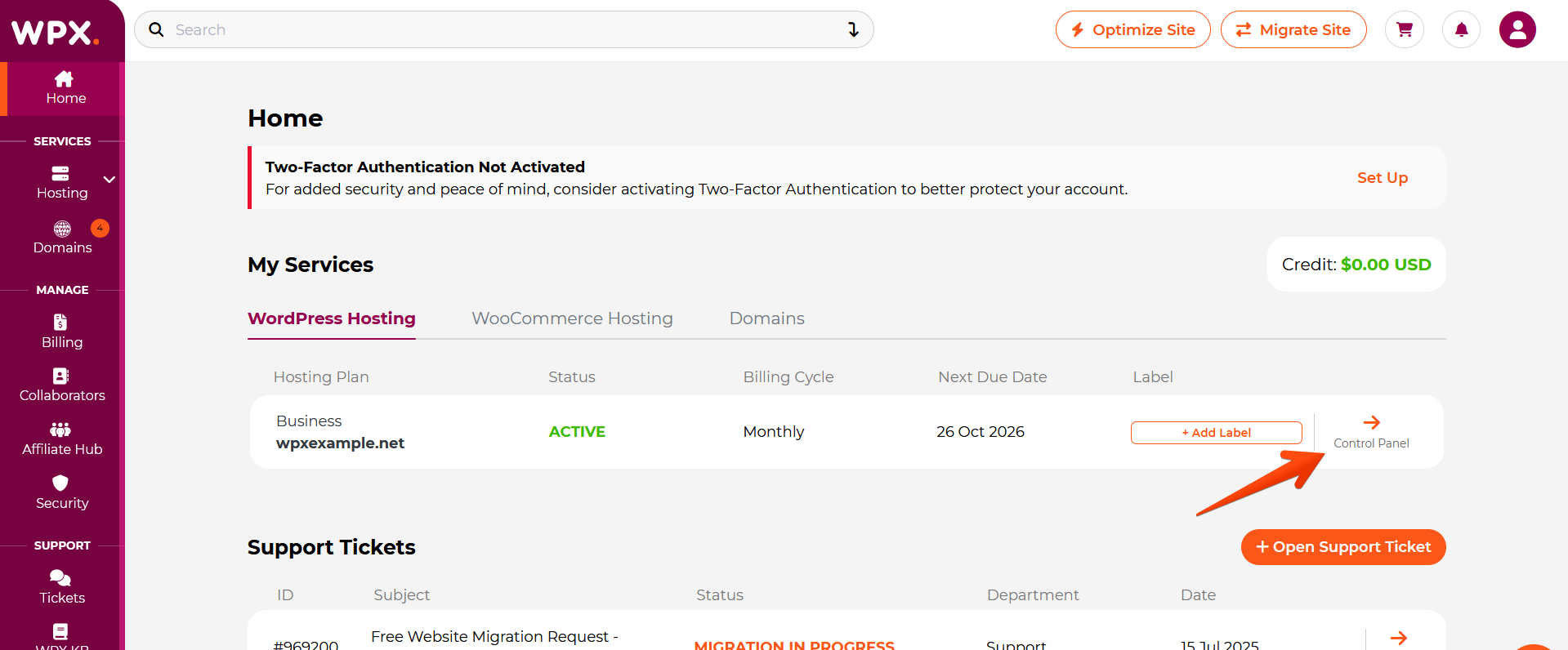
- Locate your hosting plan in the WPX client area.
- Click the Control Panel button next to the plan you wish to manage.
Step 3. Go to the Emails menu
Within the Control Panel:
- Select the Emails section.
- Click on the Webmail Client button to open Webmail.

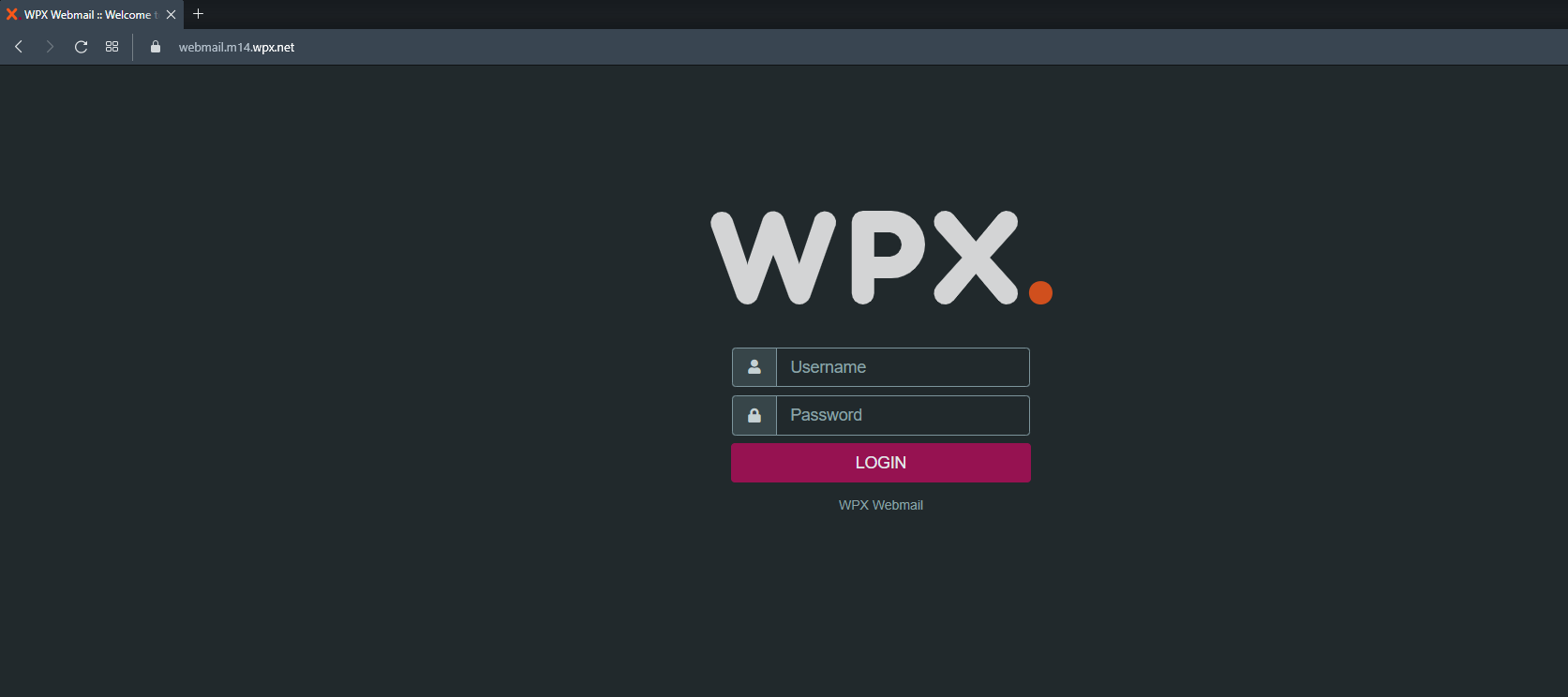
You will be redirected to your Webmail login page. To log in use your email username and password.
Step 4. Set up email filters
Now that you are logged in to your Webmail:
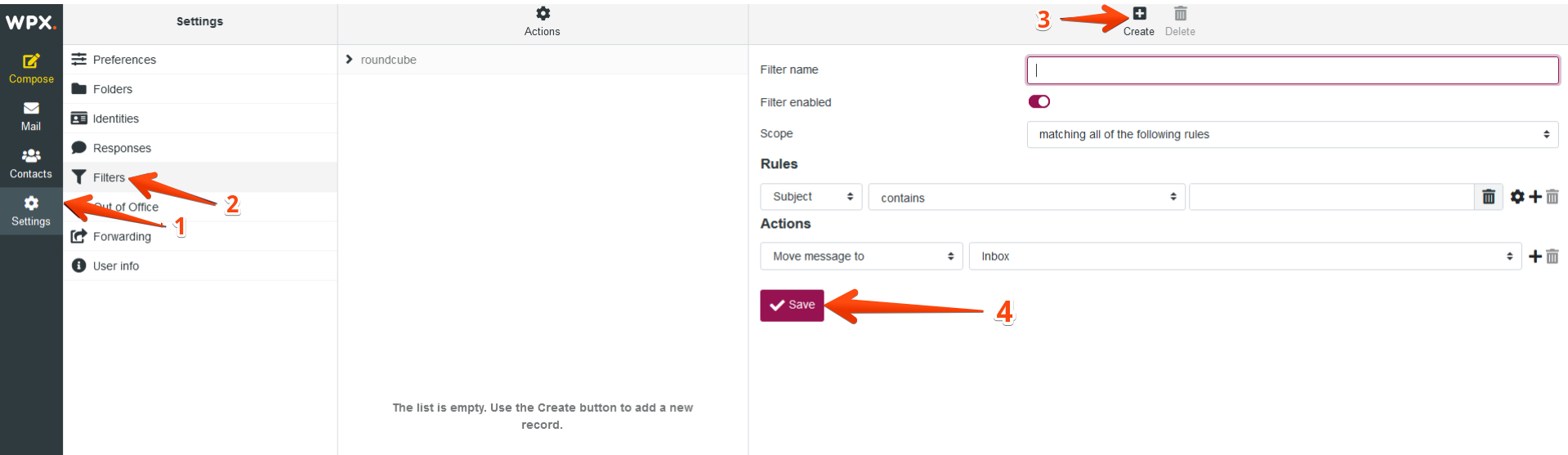
- Select Settings.
- After that, Filters
- And then, click the Create button.
- Click Save to apply the changes.
Stuck at any point? Don’t worry, just click the live chat widget in the bottom-right, and one of our support agents will assist you in under 30 seconds.