I wondered whether paying for a Shopify plan was worth it in 2026, especially with so many alternative options available. Shopify has long been a leader in e-commerce. After dipping into the top contenders, the best Shopify alternatives often bring unique strengths. In this review, let’s discover standout Shopify alternatives.
What is Shopify?
The ecommerce software market revenue is projected to reach $8.41 billion by 2025. Shopify is one of the most widely recognized e-commerce platforms, powering millions of online and in-person stores across every size and industry. It offers tools to sell online, in-store, direct-to-consumer, wholesale, locally, and globally. But as impressive as Shopify is, it’s not without trade-offs.

Ease of Use
We are truly impressed by its simplicity. The onboarding process is easy to use: create an account (no credit card required for the trial), answer a few business-related questions, and you’re dropped into a clean, intuitive dashboard.
Shopify Magic, its built-in AI assistant, further lowers the learning curve by generating product descriptions, marketing copy, and theme designs from prompts.
Features
Shopify covers the entire commerce spectrum. You can sell via a beautifully designed online store, marketplaces, or in person using Shopify POS hardware. The platform includes marketing tools, audience targeting, and analytics.
Shopify also offers custom pricing, discounts, and flexible payment terms. The checkout process, one of Shopify’s biggest selling points, is fast and customizable. With thousands of apps in the Shopify App Store, you can extend your store’s functionality far beyond the core toolkit.
Hosting & Flexibility
Shopify hosts your store for you. You get a free SSL certificate, unlimited bandwidth, and globally distributed servers. Store design uses a section-based editor, ensuring professional layouts without the need for coding. It also supports multiple sales channels, which allows you to list and manage products on Instagram, TikTok, Google Shopping, and more, all from one centralized admin.
Price
Shopify’s pricing starts with a generous trial ($1/month for the first six months) before shifting to standard rates:
- Basic at $19/month
- Grow at $49/month
- Advanced at $299/month
- Plus, starting at $2,300/month for high-volume operations
While add-ons and apps can increase costs, the base package already includes hosting, security, and essential selling tools.
Pros & Cons of Shopify
Pros
Shopify’s biggest advantage is its all-in-one solution: hosting, design tools, payments, marketing, and analytics. Its intuitive interface and AI tools make it beginner-friendly. The app ecosystem means you can tailor Shopify to almost any niche or business model.
Cons
The section-based design editor may be restrictive. Some of the most useful features, especially for B2B or advanced marketing, require higher-tier plans or paid apps.
8 Best Shopify Alternatives of 2025
For many businesses, there are plenty of Shopify alternatives worth considering. These platforms offer a variety of features and pricing options that might better suit your unique needs. Take a look at Shopify and the best alternatives to find the perfect fit for your online store.
| Platform | Stating Price | Best For | Key Features |
| Shopify | $19/month | Small to large businesses | User-friendly, app ecosystem, multi-channel sales, 24/7 support |
| BigCommerce | $29/month | Growing businesses & enterprises | Scalable, no transaction fees, multi-channel selling |
| WooCommerce | Free (plugin) + hosting costs | Custom stores, WordPress users | Highly customizable, open-source, lots of plugins |
| Wix | $17/month | Small to mid-sized stores | Drag-and-drop builder, templates |
| Squarespace | $10/month | Design-focused small businesses | Beautiful templates, simple setup, built-in marketing tools |
| Adobe Commerce (Magento) | Custom pricing | Large enterprises | Highly customizable, powerful, and requires developer knowledge |
| Ecwid | $5/month | Adding a store to existing sites | Easy integration, multi-platform sales |
| Shift4Shop | $39/month (now free for U.S. merchants using Shift4 payments) | SMBs | Built-in marketing, no transaction fees |
| Big Cartel | $12/month (free plan available) | Creatives and small sellers | Simple setup, budget-friendly |
1. BigCommerce
I wondered whether BigCommerce was really worth considering over Shopify. Just because two e-commerce platforms aim for the same market doesn’t mean they deliver the same experience. BigCommerce is built for flexibility and partner integrations right out of the gate.

Ease of Use
BigCommerce’s dashboard isn’t flashy, but it’s functional. Adding products is modular: instead of one long form, you fill in tabs for details, images, and inventory. Powerful functionality is strong, and you can filter not only products but also orders and customer data quickly, which makes ongoing store management smoother.
Features
Every BigCommerce plan includes unlimited products, file storage, and bandwidth. You can sell B2C and B2B from the same platform, manage multiple storefronts, and integrate with more than 150 marketplaces, social platforms, and ad channels.
BigCommerce doesn’t have Shopify’s integrated point-of-sale system, but it offers payment flexibility. There are no extra fees for using third-party gateways. Its visual page builder (via Makeswift) allows drag-and-drop editing with custom design components.
Hosting & Flexibility
BigCommerce hosts your store and provides enterprise-grade security, so there’s no need for separate hosting plans. An open API approach lets you integrate your preferred CRM, ERP, or marketing tools. The built-in partner network allows you to work with specialized services, such as design and shipping.
Price
BigCommerce offers a 15-day free trial, after which you choose from 4 paid plans
- Standard – $29/month (billed annually) for individuals and small brands
- Plus – $79/month (billed annually) for small businesses
- Pro – $299/month (billed annually)
- Enterprise – Custom pricing based on annual online sales, feature requirements, and integration complexity.
Pros & Cons of BigCommerce
Pros:
- Offers unlimited products, bandwidth, and storage on all plans
- Payment flexibility
- Open API and partner network
- Built-in scalability, suitable for both startups and enterprises
Cons:
- The dashboard’s breadth of options may be intimidating for beginners
- Lacks Shopify’s native POS integration and Wix’s simplified dashboard
- Steeper earning curve for new users
- The visual editor is powerful, but not as beginner-friendly as Shopify’s theme system
2. WooCommerce
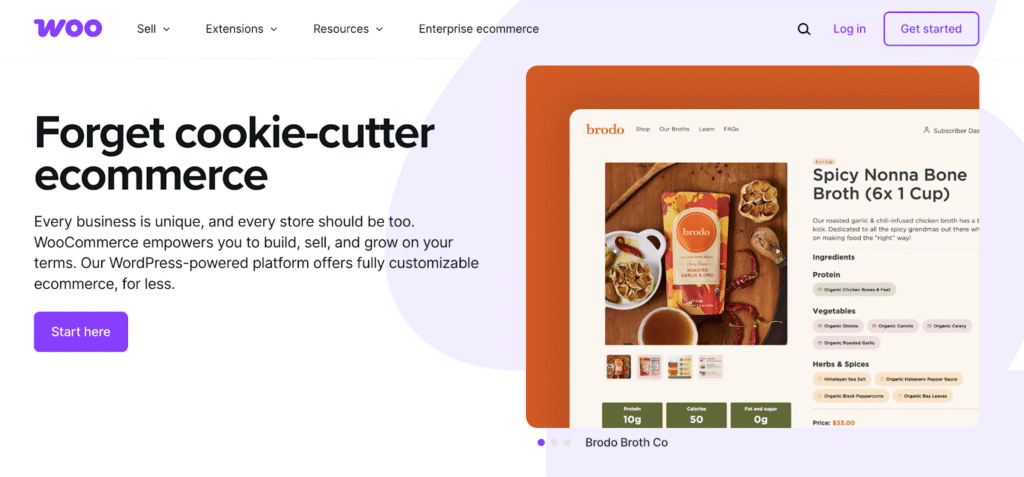
When I asked if WooCommerce was a great alternative to Shopify, the answer is clear. Statista reported that Shopify held a larger market share than WooCommerce among high-traffic or well-known sites. However, when looking at the total number of websites across the entire internet, WooCommerce had a larger overall market share than Shopify.
Built on WordPress, WooCommerce is an open-source platform. It gives you the tools to develop your store.
Ease of Use
WooCommerce is technically a WordPress plugin, so you’ll first need to install and configure WordPress itself before adding WooCommerce.
Once installed, WooCommerce guides you through adding products, setting up payments, and customizing your store, but you’ll need to be comfortable with managing plugins, themes, and updates. The trade-off is total control.
Features
WooCommerce has everything you need to kickstart your online store. You start with core features like product listings, payment integration, shipping settings, and tax calculation. From there, you can bolt on hundreds of official extensions for subscriptions, bookings, memberships, advanced analytics, and more. The integration with WordPress gives you access to its massive theme library and SEO tools, something Shopify can’t replicate natively.
You can sell all sorts of items, whether they’re physical products, digital downloads, subscriptions, or services. Plus, with advanced options like product variations, inventory tracking, and custom attributes, it’s super adaptable for nearly any kind of store.
As an open-source plugin, WooCommerce works with thousands of WordPress themes and plugins. While the core plugin is free, you can access even more advanced features by opting for premium extensions.
Hosting & Flexibility
Unlike Shopify, WooCommerce doesn’t include hosting. On the plus side, you can choose your hosting providers based on your performance, security, and budget needs. And yes, you’re responsible for managing backups, security patches, and uptime.
If you’re running an online store, pairing WooCommerce with WPX is a popular option, especially if you’re not super tech-savvy. WPX takes care of everything from backups to security and performance optimization.
As a managed WordPress hosting provider, WPX offers specific plans for WooCommerce users. It provides a managed security environment and many features that you might have to pay extra for with other hosts (like a CDN, SSL certificates, site speed optimization, and malware removal) are included at no additional cost.
Already have a WooCommerce store on another host? No worries, WPX will handle the migration to their servers for free and take care of everything for you.
In terms of flexibility, WooCommerce wins hands down: you can install any plugin and customize every inch of your store’s design and functionality.
Price
WooCommerce pricing is entirely flexible and depends on the tools, services, and infrastructure your business chooses. Since it’s open source, there are no fixed platform fees. In general, the core costs include your hosting, a domain name, themes, and design or development services.
You may also invest in extensions for shipping, payments, inventory management, accounting, subscriptions/memberships, security, and marketing tools.
If you own a smaller store, annual expenses are estimated to start around $2,000, while high-volume or enterprise operations can exceed $60,000, all depending on the level of customization, integrations, and performance requirements.
Pros & Cons of WooCommerce
Pros:
- Full control over your store’s design, features, and hosting
- Massive library of themes and extensions
- Deep integration with WordPress
Cons:
- Requires more technical skill to set up and maintain
- Hosting, security, and updates are your responsibility
- Performance depends on your host
- Adding features often means installing (and paying for) multiple plugins
See how to migrate from Shopify to WooCommerce
3. Wix
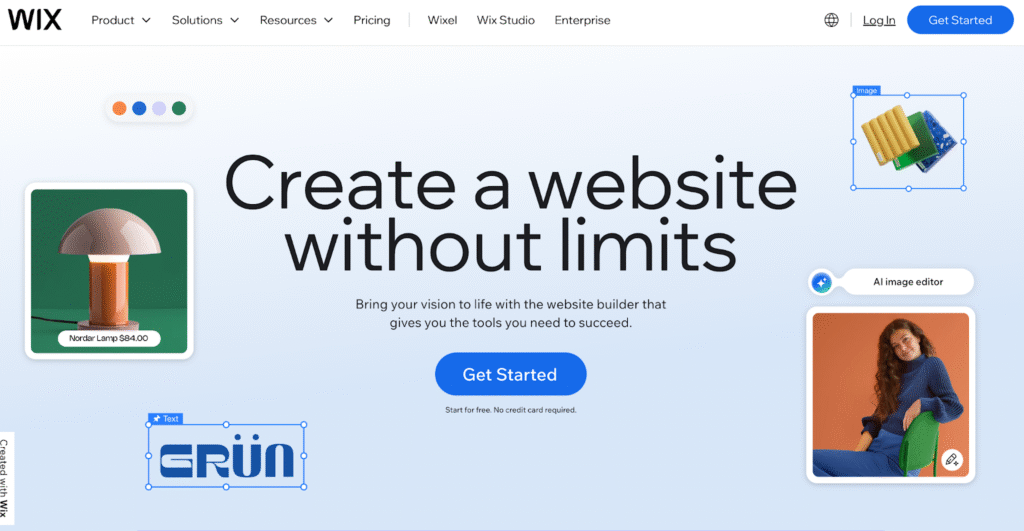
As a website builder for online stores, Wix doesn’t match Shopify’s focus on e-commerce, but it makes up for it with accessibility. It’s the platform for people who want to launch a good-looking site fast, without touching code, and still have the option to sell products. You will get the tools to create, brand, and promote your site all in one place.
Ease of Use
Wix is one of the easiest website builders on the market. You can either start with its AI website builder or pick from over 900 designer-made templates. Its drag-and-drop editor is intuitive enough for non-technical users. Unlike Shopify, which assumes you’re primarily building an e-commerce store, Wix caters equally well to portfolios, blogs, restaurants, and nonprofits.
Features
Wix comes with a wide array of built-in tools: online store management, digital and physical product sales, portfolio showcases, event ticketing, blogging, and more. You also get advanced design options like scroll effects, animations, and interactions, no coding needed.
Wix also supports product variants, discounts, multiple payment options, and order/shipping management for commerce.
Hosting & Flexibility
Hosting is included with all Wix plans, and uptime performance is excellent. Wix sites are mobile-optimized automatically, and its mobile editor lets you tweak layouts for smaller screens. The trade-off is that Wix doesn’t let you switch templates once your site is live. Customization has to happen within your initial choice. Flexibility is strong for design but more limited for back-end e-commerce scaling compared to Shopify.
Price
You can start building your site for free and upgrade when ready. All plans include a free domain for the first year, multi-cloud hosting, AI creation tools, 24/7 support, and the ability to accept payments.
- Business Elite – $159/month
- Business – $39/month
- Core – $29/month
- Light – $17/month
Pros & Cons of Wix
Pros:
- Extremely beginner-friendly setup and editing experience
- Large selection of templates across industries
- Built-in AI tools
- Hosting and security included
- Suitable for both content-driven sites and small-to-mid-sized online stores
Cons:
- Can’t switch templates after launch
- E-commerce tools are powerful for small stores but lack some advanced inventory, automation, and B2B capabilities
- Less suited for large-scale, high-volume sellers
4. Squarespace
Squarespace is a website builder first and an e-commerce platform second. Squarespace templates are famously sleek, with typography, spacing, and color palettes. Its commerce tools are powerful enough for small-to-medium-sized online stores.

Ease of Use
The page editor offers intuitive drag-and-drop placement with flexibility, but less overall simplicity than Wix. That said, Squarespace is still easier to manage than WordPress – there’s no need to worry about plugins, hosting, or manual updates.
Features
Squarespace covers the full range of business needs: custom domain registration, beautiful templates, e-commerce for physical and digital goods, memberships, invoicing, blogging with scheduled posts, and integrated marketing tools.
E-commerce capabilities include payment processing, checkout, shipping and fulfillment tools, inventory tracking, and more. Shopify still leads for high-volume sales features, whereas Squarespace has enough depth for most small-to-mid-sized sellers.
Hosting & Flexibility
Hosting is fully managed, with unlimited storage and bandwidth included on all plans, as well as free SSL certificates. Squarespace’s sites are responsive by default, ensuring they look good on mobile without extra work.
Price
Free for 14 days
- Personal – $10/month
- Business – $14/month
- Commerce Basic – $17/month
- Commerce Advanced – $30/month
Pros & Cons of Squarespace
Pros:
- Stunning, professionally designed templates
- Balance of design and e-commerce tools
- Fully hosted platform with free SSL and unlimited storage
- Built-in marketing, SEO, and analytics tools
- Ability to add custom code for advanced users
Cons:
- More expensive than newer competitors
- Navigation to certain settings is less intuitive than it should be
- E-commerce tools don’t match Shopify’s automation and scalability for large operations
5. Adobe Commerce (formerly Magento)
Magento, launched in 2008, quickly became one of the most popular ecommerce solutions. In 2018, Adobe acquired Magento, and its enterprise-level product evolved into Adobe Commerce.
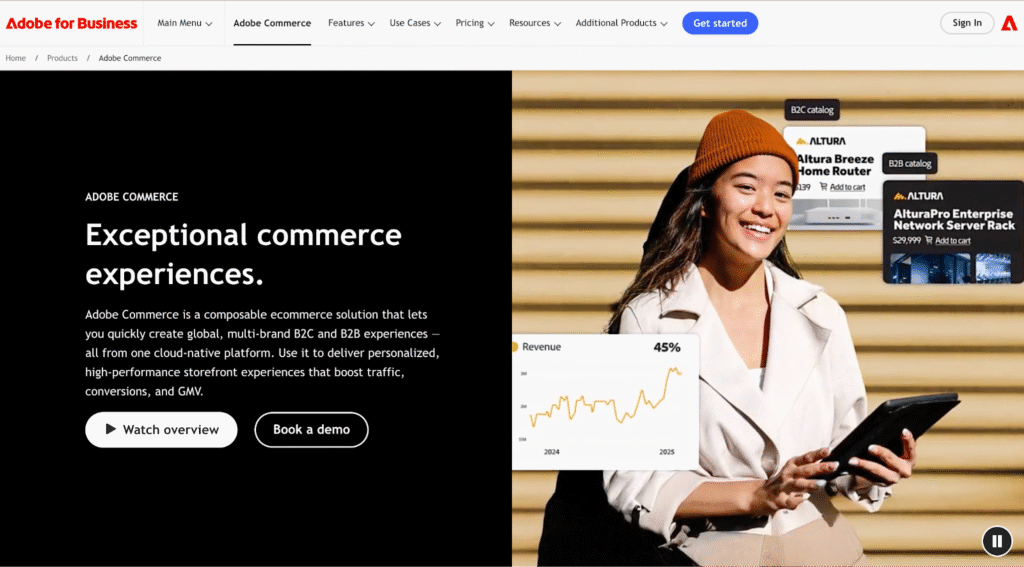
Rooted in a composable architecture, Adobe Commerce brings together multi-brand B2C and B2B capabilities on a single cloud-native platform. It’s less about simply launching a store and more about orchestrating high-performance, deeply personalized shopping experiences.
Ease of Use
Its ease of use is relative. For enterprise-level teams or businesses with dedicated developers, the visual storefront editor, generative AI content tools, and A/B testing features make ongoing optimization straightforward. However, setup, customization, and integration demand technical expertise. This is a platform with a steeper learning curve.
Features
Adobe Commerce’s feature set for high-end, large-scale commerce:
- Prebuilt templates with integrated product pages, cart, and checkout, optimized for top Google Lighthouse scores
- AI-powered product recommendations, intelligent search, and merchandising tools
- B2B Commerce: Self-service portals, advanced catalog management, and regional customization
- Multi-store, multi-language, multi-currency capabilities with centralized management
- Integration Depth: ERP, CRM, PIM, OMS, and WMS connectivity through starter kits, templates, and prebuilt connectors
- Security & Compliance: PCI Level 1, AI-driven threat detection, DDoS protection, and HIPAA-ready options
Hosting & Flexibility
The platform runs on an auto-scaling, multi-cloud infrastructure. The catalog service delivers fast data retrieval for product and search pages. Brands can operate dozens of storefronts from one backend and host in-region for compliance and performance.
Price
Adobe offers enterprise-grade, API-first commerce solutions. Pricing is not listed publicly and is tailored to infrastructure type, features, and business scale.
Pros & Cons of Adobe Commerce
Pros:
- Scalability and flexibility for both B2C and B2B
- Deep personalization powered by AI
- Enterprise-grade integrations with ERP, CRM, and other back-office systems
- Robust multi-site, multi-language, and multi-currency support
- Auto-scaling cloud infrastructure for high-traffic events
Cons:
- High learning curve, requiring technical expertise
- Significantly more complex and potentially more expensive than Shopify
- Overkill for small or early-stage businesses
Read more:WooCommerce vs Magento
6. Ecwid
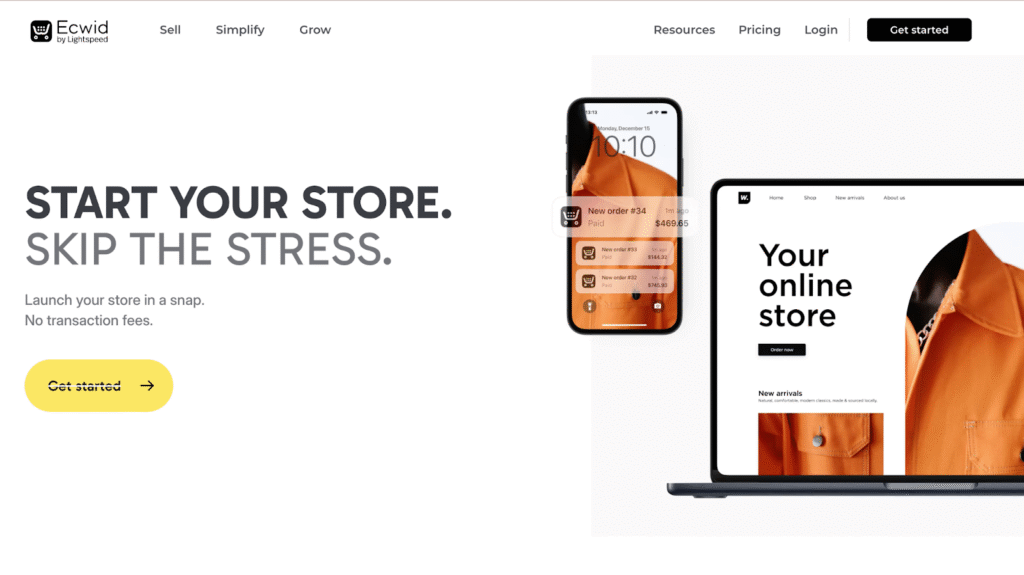
Ecwid approaches e-commerce from a fundamentally different starting premise than Shopify. Where Shopify assumes you will build your store from the ground up within its ecosystem, Ecwid is designed as a modular layer – something that can be embedded into an existing website, integrated across multiple channels, or used as a lightweight standalone store.
Ease of Use
Ecwid’s onboarding process is intentionally streamlined. Its interface is clean, with a dashboard that anticipates the next logical step in a store’s growth. However, certain functions, such as checkout configuration or embedding on complex sites, can require troubleshooting or light coding knowledge.
Features
Ecwid’s capabilities are organized around the seller journey:
- Add a store to any site, set up payments and shipping, and launch with customizable themes and content blocks.
- Building steady sales: Run automated ads, schedule discounts, and send targeted emails based on customer actions like cart abandonment.
- Scaling long-term: Connect to marketplaces such as Amazon, sell through social media platforms, integrate Next.js for custom design work, and leverage customer behavior analytics to optimize growth.
Hosting & Flexibility
Ecwid provides hosting as part of its service, and while it’s highly stable for the price, it’s not configurable in the way self-hosted or enterprise solutions are. You cannot scale server resources on demand or choose a dedicated environment.
Its true flexibility lies not in server control but in placement: Ecwid can live inside an existing WordPress blog, a Wix site, a custom HTML environment, or operate as a standalone store.
This, coupled with its ability to sync inventory and orders across multiple sales channels, makes it appealing for businesses whose primary concern is selling everywhere their customers are, rather than crafting a single monolithic storefront.
Price
- Starter – $5/month for beginners
- Venture – $25/month for solo sellers
- Business – $45/month
- Unlimited – $105/month
Pros & Cons of Ecwid
Pros:
- Extremely fast setup with very few technical requirements
- Can be embedded into almost any site or run standalone
- Strong multichannel selling support
- Built-in automation for marketing and store management
- PCI Level 1 security and SSL included
- AI-powered product image enhancement
Cons:
- Website builder customization is limited
- Some features, like checkout setup, are less intuitive
- Lower-tier plans restrict functionality and support
- No options for dedicated hosting
- Certain advanced design changes may require paid custom coding services
Read more: Ecwid Vs WooCommerce (2025 Comparison)
7. Shift4Shop
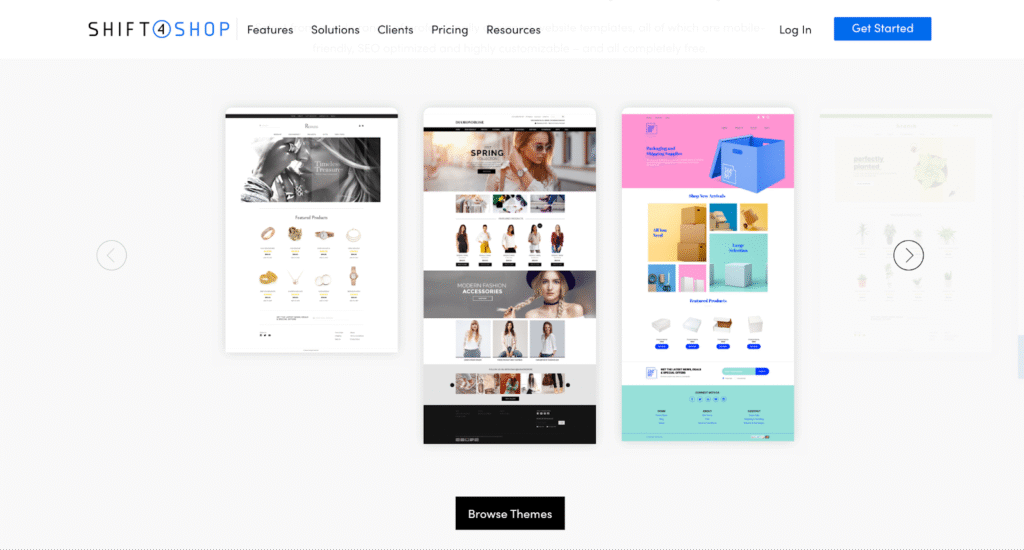
Shift4Shop is considered an e-commerce platform that delivers enterprise-grade tools without the enterprise-grade pricing. Shopify often excels in interface polish and app ecosystem. Shift4Shop’s competitive edge is its inclusion-first model, offering hundreds of features natively, a wide selection of free themes, and no transaction fees.
Ease of Use
Shift4Shop’s website builder is powerful in scope but not always intuitive in execution.
New users can launch a basic store quickly thanks to ready-made templates, drag-and-drop tools, and a well-structured setup flow. However, certain visual elements (like hero banners) must be edited outside the main interface. Compared to Shopify, Shift4Shop might require more patience to master. But it offers a free site migration service for those transitioning from another platform.
Features
Shift4Shop’s core plan includes an extensive set of features that many competitors reserve for higher tiers. These include:
- Website creation: Over 100 free, mobile-optimized, SEO-friendly templates with direct HTML/CSS access.
- Store management: Unlimited products, orders, and data transfers; product categorization; real-time shipping rates; integrated tax calculation; and stackable promotions.
- Payments & security: Integrated PayPal processing, free SSL, and AI-powered fraud protection.
- Marketing tools
- Native connections to Amazon, eBay, Facebook, FedEx, and more.
Hosting & Flexibility
Shift4Shop provides fully hosted infrastructure with unlimited storage, bandwidth, and product listings. It is PCI-certified at the platform level, meaning merchants don’t need to handle security certification themselves. While this ensures stability and compliance, hosting flexibility is minimal. There are no options for dedicated servers or self-hosting, and resource scaling is fixed at the platform level.
Price
Unlimited eCommerce plan:
- Price: $39/month – free for U.S. merchants using Shift4 payments
- No setup fees, no transaction fees (only standard payment processor fees apply)
- Unlimited: products, staff users, bandwidth, categories, variants, and product images.
Pros & Cons of Shift4Shop
Pros:
- Comprehensive feature set
- Free themes, all mobile-ready and SEO-optimized
- No transaction fees, free SSL, and free domain registration
- PCI compliance and advanced fraud protection included
- Free website migration for existing stores
- Unlimited products and bandwidth
Cons:
- Learning curve is steeper than Shopify’s, especially for those without technical experience
- No hosting flexibility
- The interface might feel less polished
8. Big Cartel
While Big Cartel doesn’t aim to rival Shopify in sheer scale or app ecosystem, it does carve out a niche for creatives, artists, and makers who value straightforward pricing and minimal setup friction.

Ease of Use
The interface is clean and approachable, with a learning curve low enough for first-time sellers. Built-in integrations allow merchants to import products from platforms like Shopify, Etsy, or Squarespace. Of course, Shopify offers a more polished backend with advanced customization controls, but Big Cartel’s simplicity is what makes it attractive to a large group of sellers.
Features
Big Cartel includes the essentials to sell online: Over 10 free, SEO-optimized templates, the ability to create new listings or import from other platforms, and inventory management is available on paid plans.
As for payment, it accepts credit cards, digital wallets, Venmo, PayPal, and more, both online and in-person via the Big Cartel app. Big Cartel also offers sales tools, such as built-in discount codes and an analytics dashboard.
Hosting & Flexibility
Big Cartel is fully hosted. Its plans include SSL, and there’s no additional hosting cost outside the plan price. However, flexibility is limited compared to Shopify’s app store and developer community. And the template library is smaller.
Price
- Free plan for basic online selling (5 product listings, 1 image per product)
- Platinum – $12/month
- Diamond – $24/month
Pros & Cons of Big Cartel
Pros:
- Free plan available
- Apparent pricing
- Clean, simple setup process, ideal for beginners
Cons:
- Limited scalability, better suited for smaller catalogs and lower sales volume
- Customization is minimal compared to Shopify’s deep editing and app ecosystem
- Lacks some advanced e-commerce features, like abandoned cart recovery, on lower plans
Conclusion
Shopify continues to be one of the most popular names in e-commerce, but for serious businesses aiming for long-term growth, WooCommerce paired with the right hosting can be an even stronger choice. Its flexibility, control, and scalability make it a powerful solution for building a robust, future-proof online store—while the final decision should always align with your unique needs.
Frequently Asked Questions
Have another question?
Square is generally better for small businesses and service providers who want integrated in-person and online sales with low upfront costs. Shopify, in contrast, is the better option for businesses focused on e-commerce, stronger for scaling e-commerce operations with advanced inventory and customization options.
Shopify is designed for dedicated e-commerce businesses. If your priority is scaling an online store with multi-channel selling, Shopify is the great choice. If you’re looking for creative control and simplicity, Wix might be a perfect fit.
Shopify is an all-in-one, user-friendly platform with hosting, security, and 24/7 support. WooCommerce, a WordPress plugin, provides greater customization and control. WooCommerce is the preferred choice if you want to manage hosting and plugins yourself.