You’ve got the idea, the team, and maybe even some funding. But there’s another key decision to make: your web hosting. The startup hosting dilemma is real. You need enterprise-grade reliability without enterprise prices. That’s why we’ve reviewed the most popular options to identify the best hosting services for startups.
What is Web Hosting?
Web hosting is a service that enables individuals and organizations to make their websites accessible on the internet.
When you build a site, all your text, images, videos, and code need to live somewhere. Hosting providers maintain specialized servers that store these files and deliver them to visitors when they access your site.
The importance of web hosting:
- Enhanced Performance: Professional hosting companies invest in advanced server technology and infrastructure that most businesses can’t afford or maintain independently. This translates to faster page loading times, better handling of traffic spikes, and an overall smoother experience for your visitors.
- Operational Efficiency: When you use a hosting provider, you don’t have to deal with the technical side. This lets you focus on running your business and working on your website.
- Dependable Uptime: Hosting providers specialize in keeping websites online and accessible around the clock. They implement redundancy systems, perform regular updates, and constantly monitor the infrastructure to prevent downtime. This means your customers can always find you.
- Built-in Security: Hosting services have multiple layers of protection, from physical security at data centers to software-based defenses against cyber threats. They handle security updates, monitor for vulnerabilities, and often provide automated backups, giving you peace of mind that your website and data are protected.
How We Pick the Best Hosting Providers for Startups
We’ve selected the best hosting providers for startups – but not the way traditional tech reviews usually do. We’re not interested in every feature or technical spec that sounds impressive but doesn’t matter to your business.
What should you really look for? Here are the seven factors that actually decide whether your hosting will help your business grow:
Uptime Reliability:
If your site goes offline, you risk losing customers and sales.
Uptime is a measure of how often your website is available to visitors. We prioritize hosts offering 99.9% or higher uptime guarantees. Most providers strive for the “five 9s” standard (99.999% uptime), which translates to roughly six minutes of downtime per year. We review each provider’s SLA to verify their uptime commitments.
Performance and Speed:
Page load speed directly influences whether visitors stay on your site or leave immediately. About 53% users will leave a website if it takes longer than 3 seconds to load. We evaluate hosting services based on their ability to deliver fast load times.
Key performance factors include SSD or NVMe storage, CDNs that distribute your content globally, and caching mechanisms that reduce server processing time. Startups need hosting infrastructure capable of maintaining quick response times even during unexpected traffic surges, which is why we assess both baseline speed and performance under load.
Support Quality:
Lean startup teams rarely have dedicated developers on call to troubleshoot hosting issues. Therefore, we assess the availability and expertise of customer support teams, prioritizing providers that offer 24/7 assistance and provide fast response times.
Security Features:
We also evaluate the security protocols each hosting provider offers, including SSL certificates, malware detection and removal, firewalls, DDoS protection, and automated backup systems.
Scalability:
Startups must be prepared for viral traffic spikes. We evaluate whether hosting services offer easy plan upgrades to handle sudden growth without downtime.
The ability to handle sudden traffic increases without manual intervention or extended downtime separates hosting services that truly support startup growth from those that create bottlenecks.
Conversion Rates:
This is not the most important factor, but it is still essential. Reliable hosting contributes to higher conversion rates through consistent availability and speed. We examine how reliability and speed combine to support conversions. Sites that load slowly or experience frequent downtime often see visitors abandon shopping carts and forms before completing desired actions.
Features such as one-click SSL certificate installation and staging environments enable startups to test changes without risking their live site, supporting steady conversion optimization.
Cost and Value:
Startup budgets demand careful resource allocation. We analyze pricing structures to identify transparent costs. Entry-level plans under $20 per month often provide sufficient resources for early-stage startups, but we concern which features are included at each price point.
The best value comes from bundled offerings that include security features, backups, and adequate bandwidth rather than requiring expensive add-ons. The goal is to find hosting that balances affordability with the performance and reliability features startups need to succeed.
Top 8 Best Hostings for Startups in 2026
We’ve spent weeks testing, comparing, and analyzing many hosting providers through the lens of what startups need.
Let’s find the one that fits your startup from our top list:
- WPX.net
- Hostinger
- Bluehost
- DreamHost
- IONOS
- SiteGround
- A2 Hosting
- Liquid Web
- WPX.net – Best High-Speed Managed WordPress Hosting
WPX hosting delivers cost-effective, specialized managed WordPress hosting. There are various plans available, starting with a basic option for one website and going up to more advanced plans for agencies and online stores.
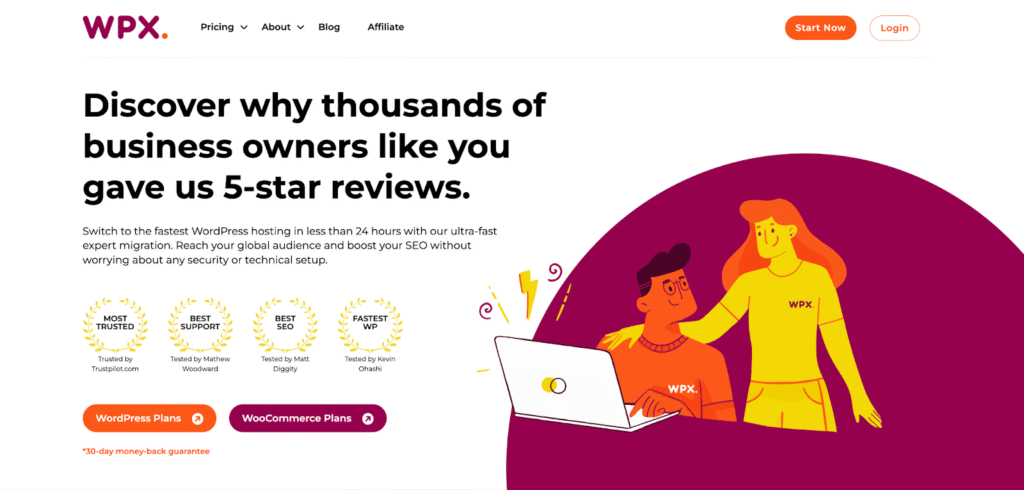
(Source: WPX.net)
Key Features
- WordPress performance: WPX runs on ultra-fast servers with NVMe SSD storage and its own custom-built XDN CDN, delivering extremely low load times and better SEO.
- Built-in global delivery: The proprietary XDN CDN and free performance optimizations ensure low latency worldwide; no third-party CDN setup or paid add-ons required.
- Security: Daily malware scanning, free malware removal, WAF, DDoS mitigation, brute-force protection, unlimited SSL certificates, and GDPR compliance are handled at the host level.
- WordPress management: Free expert migrations (typically under 24 hours), one-click WordPress installs, staging environments, automated updates, and daily backups.
- Support & guarantees: 24/7 support with fast response times and a “fixed for you” approach. A 30-day, no-risk money-back guarantee on all hosting plans, and a 99.95% uptime guarantee.
- Plan structure: Plans scale from single-site to multiple-site tiers, include unlimited email accounts and migrations, and avoid renewal price hikes – what you pay upfront is what you continue to pay. If you pay for a year or over upfront, you receive a discount and additional free months.
Pros & Cons
Pros of WPX:
WPX hosting stands out for exceptional speed and support quality. Its custom XDN CDN, NVMe storage, and optimized WordPress stack deliver consistently fast load times. The near-instant, hands-on support and transparent pricing make WPX especially attractive.
Cons of WPX:
As a managed WordPress host, WPX has fixed resource limits (storage, PHP workers) that can slow backend performance for high-traffic or highly dynamic sites.
Best For
WPX is a great choice for users who prioritize page speed, SEO, and minimal technical maintenance. WPX’s Starter plan is well-suited for early-stage startups, which includes 10 GB of storage and unlimited visitors.
As your audience grows, Business and Professional plans can support multiple websites and additional server resources.
- Hostinger – Best Budget-Friendly Web Hosting for Small Businesses
Hostinger offers budget-friendly web hosting powered by AI technology to help you set up and manage your site. With powerful performance features, it delivers reliable hosting solutions for small businesses and developers.
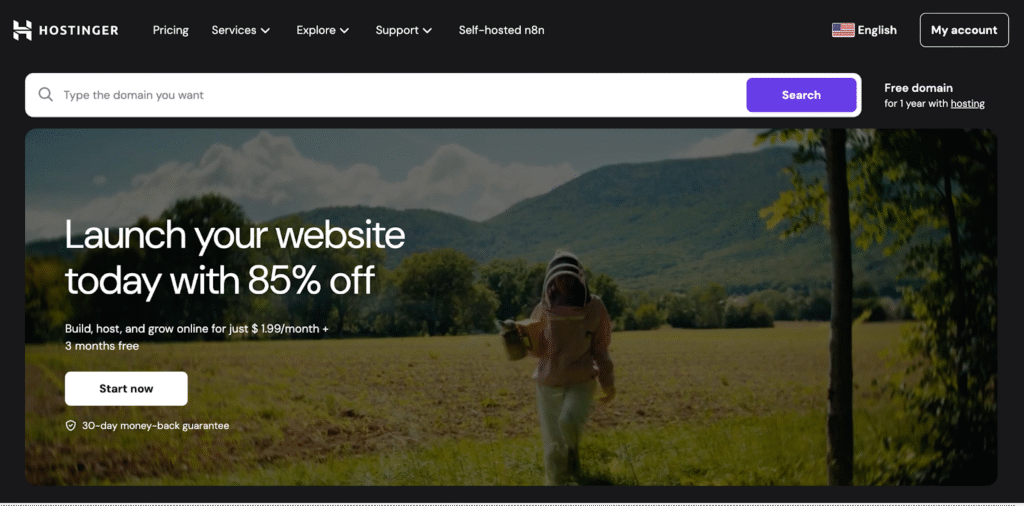
(Source: Hostinger)
Key Features:
- Custom hPanel control panel: Instead of the more common cPanel, Hostinger gives you its own hPanel. This is designed to be easy to use.
- Performance stack: Hosting runs on LiteSpeed Web Servers with built-in LSCache, SSD or NVMe storage (depending on your plan), and optimized configurations that help pages load quickly.
- AI-powered website tools: You can create a website just by describing what you want or uploading images, thanks to the AI website builder and Horizons tool. There are also AI assistants that help edit your content and improve SEO.
- WordPress optimization: One-click installation, automatic updates, and staging environments for testing changes.
- Security & reliability: All plans come with free SSL certificates, malware scanning, and backups. Hostinger guarantees 99.9% uptime and offers global data centers.
Pros & Cons
Pros of Hostinger:
Hostinger delivers powerful performance at a very low introductory price. LiteSpeed servers, SSD/NVMe storage, and global data centers provide performance advantages. Its hPanel and AI tools make it especially easy for beginners to launch and manage a site without technical knowledge.
Cons of Hostinger:
Support is limited to live chat only. Entry-level plans are restrictive, allowing fewer websites, limited storage, fewer email accounts, and reduced backup frequency.
Best For
Hostinger is well-suited for beginners, bloggers, and small businesses. It’s ideal for users who value speed, AI-powered tools, and simplicity over advanced enterprise infrastructure. Developers can also benefit from Git/SSH access and staging environments.
- Bluehost – Best Beginner Hosting for WordPress Startups
Bluehost is a popular web hosting provider known particularly for its WordPress integration. It caters to users seeking a reliable hosting solution with a low learning curve.
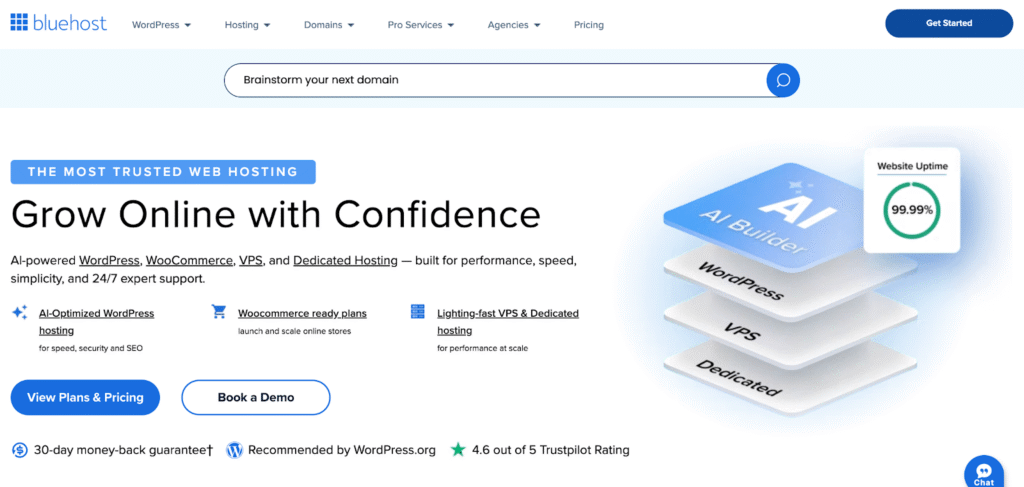
(Source: Bluehost)
Key Features
- Setup & management: AI-guided site builder, one-click WordPress installation, and a simplified dashboard let users launch websites quickly.
- WordPress integration: Bluehost provides optimized environments that improve compatibility, stability, and ease of managing WordPress sites.
- Hosting resources: Bandwidth, disk storage (within fair-use limits), and support for multiple domains, subdomains, and databases.
- Infrastructure: NVMe SSD storage, server-side caching, CDN integration, and modern processors on higher tiers deliver faster load times, especially beneficial for growing WordPress sites.
- Built-in security essentials: Free SSL certificates, DDoS protection, malware scanning (on higher plans), web application firewalls, and hotlink protection.
- Developer & control features: Access to cPanel, FTP/SSH, cron jobs, custom error pages, and site statistics offer flexibility.
- Support & guarantees: 24/7 support via chat and phone, and a 30-day money-back guarantee.
Pros & Cons
Pros of Bluehost:
Bluehost offers flexible plans with cPanel and an easy-to-use interface, ideal for beginners and small businesses. The onboarding experience is smooth, while free essentials such as a domain (first year), SSL, and CDN add substantial value.
Performance on higher-tier plans is solid thanks to NVMe storage and modern hardware, and responsive support offers peace of mind.
Cons of Bluehost:
Bluehost’s basic plans are restrictive, with limited storage (10GB), and can slow down during high traffic.
Best For
It is great for WordPress beginners and bloggers who value simplicity and guided setup. Besides, its shared and cloud plans work well for small businesses or agencies with multiple sites, especially those seeking bundled features such as free domains, SSL, and basic e-commerce tools.
- DreamHost – Best Budget Hosting for Simple Business Sites
DreamHost provides reliable web hosting with WordPress optimization and open-source support. With affordable pricing and no long-term contracts, DreamHost stands out as an ideal hosting solution for startups and early-stage businesses.
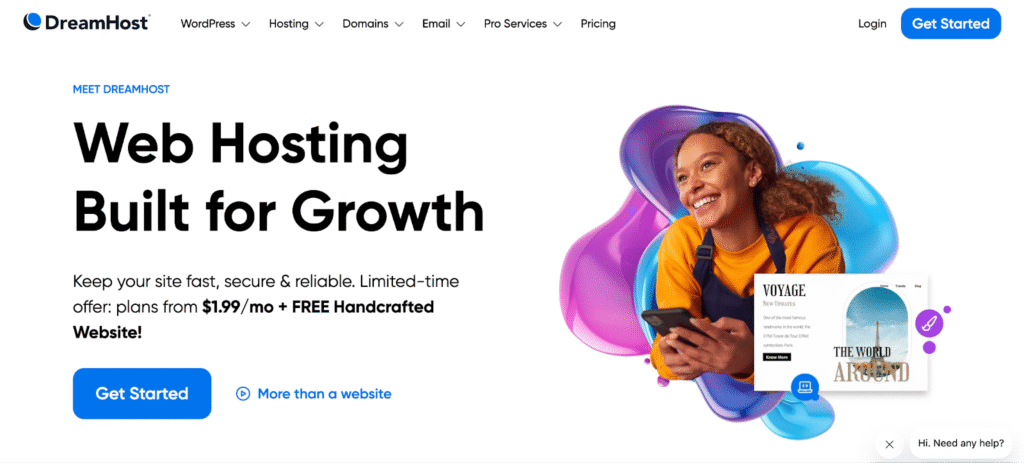
(Source: DreamHost)
Key Features
- Bandwidth: With unmetered traffic across plans, your sites can grow without worrying about sudden bandwidth caps.
- WordPress-optimized hosting: DreamHost includes one-click installs, automatic updates, staging environments, server-level caching (NGINX, OPcache, page caching), and free site migrations.
- AI-powered website and business tools: The AI site builder (Liftoff), content generator, and business planner accelerate site creation and content workflows.
- Infrastructure: NVMe/SSD storage, built-in CDN, and server-side caching improve load times.
- Security and reliability: Free SSL certificates, daily automated backups, malware scanning, and a 99.9% uptime commitment (with credits).
- Hosting paths: From shared hosting to VPS, dedicated, and cloud servers with root access, DreamHost supports growth without forcing users to change providers.
Pros & Cons
Pros of DreamHost:
DreamHost offers affordable plans with unmetered bandwidth, generous storage, and WordPress tools. The provider delivers excellent uptime, ideal for WordPress sites with one-click installs and built-in caching.
Cons of DreamHost:
DreamHost’s custom control panel, while clean, has a learning curve. Limitations, such as the absence of phone support, reduce its appeal for support-intensive businesses.
Best For
With affordable plans, month-to-month billing, AI-powered site and content tools, DreamHost is a good choice for startups that need quick launches without long-term contracts.
- IONOS – Best Cheap Web Hosting for Startups
The platform offers cost-effective hosting plans for budget-conscious users. With beginner-friendly tools and a straightforward setup, IONOS is a practical hosting provider for startups and small-scale projects.
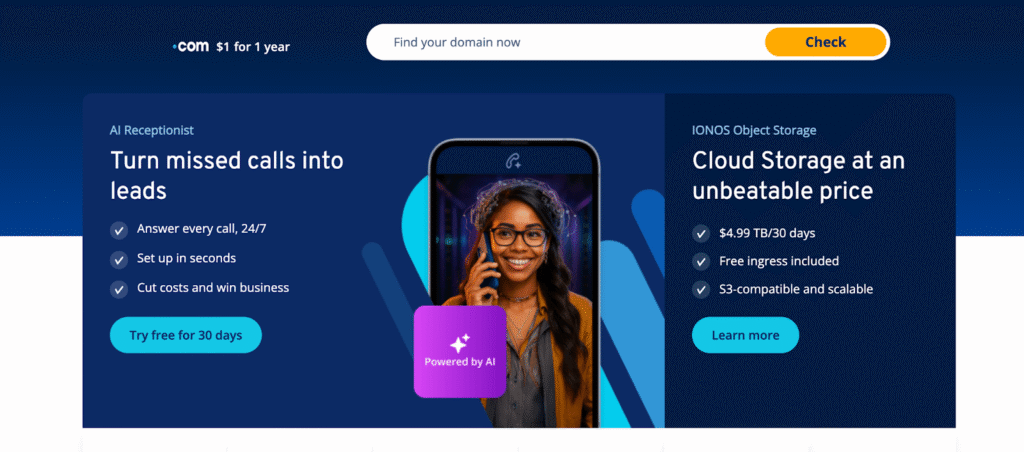
(Source: IONOS)
Key Features
- WordPress and site-building tools: One-click WordPress installs, WordPress staging, AI-powered website builders, and automatic updates make it easy for non-technical users to create and maintain professional sites.
- Reliable performance and uptime: A 99.99% uptime record, SSD/NVMe storage, and CDN acceleration (Cloudflare and Railgun on select plans) ensure stable performance for small to medium websites, especially in the US and Europe.
- Built-in security: Free wildcard SSL certificates, daily backups, DDoS protection, and malware scanning on higher plans.
- Hosting options: Shared hosting to VPS, cloud, dedicated servers with root access.
- Personalized, multilingual support: 24/7 phone, chat, and email support, plus a dedicated personal consultant during business hours, especially valuable for small businesses.
Pros & Cons
Pros of IONOS:
IONOS is a particularly strong option if you’re looking for low prices, unlimited traffic, and reliable uptime. It also includes many important features as standard, such as SSL certificates, daily backups, and automated updates.
Setting up your site is straightforward, thanks to IONOS’ WordPress tools and AI site builders. If you’re not especially technical, you’ll also appreciate the multilingual support and access to personal consultants.
Cons of IONOS:
If you’re used to cPanel, you might find its custom control panel a bit confusing at first. Entry-level plans also tend to put limits on how many email accounts or migrations you can have. Most of the data centers are in the US and Europe, so if your audience is based elsewhere, you might notice slower performance.
Best For
Starting at $1/month as introductory pricing, IONOS hosting is well-suited for startups launching landing pages, blogs, or MVPs who want the lowest possible entry cost paired with basic security and performance features.
Business-focused tools, AI website builders, and personal consultants make IONOS ideal for small companies needing a professional online presence without in-house technical expertise.
- SiteGround – Best Reliable Hosting for Growing Startups
SiteGround is a premium web hosting provider powered by Google Cloud infrastructure. The platform combines AI-powered tools with enterprise-grade security features to support growing sites and businesses.
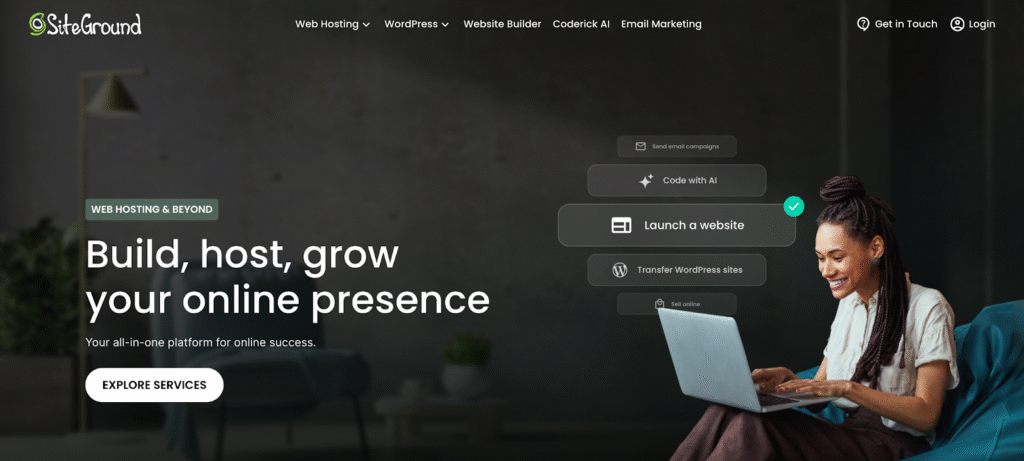
(Source: SiteGround)
Key Features
- Google Cloud infrastructure: Built on Google Cloud with NGINX servers and SSD storage, SiteGround delivers consistently fast load times, even during traffic spikes.
- Advanced caching & CDN: SuperCacher (static, dynamic, and object caching) plus a free CDN dramatically reduces load times and server strain.
- Security: Enterprise-grade WAF, AI anti-bot protection, free SSL, and daily backups.
- WordPress-friendly management tools: One-click WordPress installs, staging environments (GrowBig+), and the custom Site Tools control panel make site management simple for non-technical users.
- AI-powered productivity tools: AI Starter and AI Studio assist with site building, content tasks, and setup.
- Support and maintenance: 24/7 expert chat support, free site and email migrations, and a 99.9% uptime guarantee.
Pros & Cons
Pros of SiteGround:
The provider excels in speed, reliability, and customer support. Its Google Cloud infrastructure, multi-layer caching, and security stack make it one of the fastest and safest shared hosting platforms for WordPress.
The user-friendly Site Tools panel, staging, daily backups, and 24/7 chat support make it especially appealing for beginners and growing businesses.
Cons of SiteGround:
Limited storage on base plans (10GB on the StartUp plan) makes them less cost-effective over the long term.
Best For
SiteGround is a good choice for early-stage startups and blogs. It is particularly well-suited for founders who want a balance between ease of use and advanced features.
- Hosting.com (A2 Hosting) – Best Developer-Friendly Hosting
A2 Hosting, now rebranded as hosting.com, delivers high-performance web hosting solutions powered by LiteSpeed servers and NVMe SSD storage technology. The platform offers shared hosting, WordPress hosting, VPS, and dedicated server options designed for speed-focused businesses.
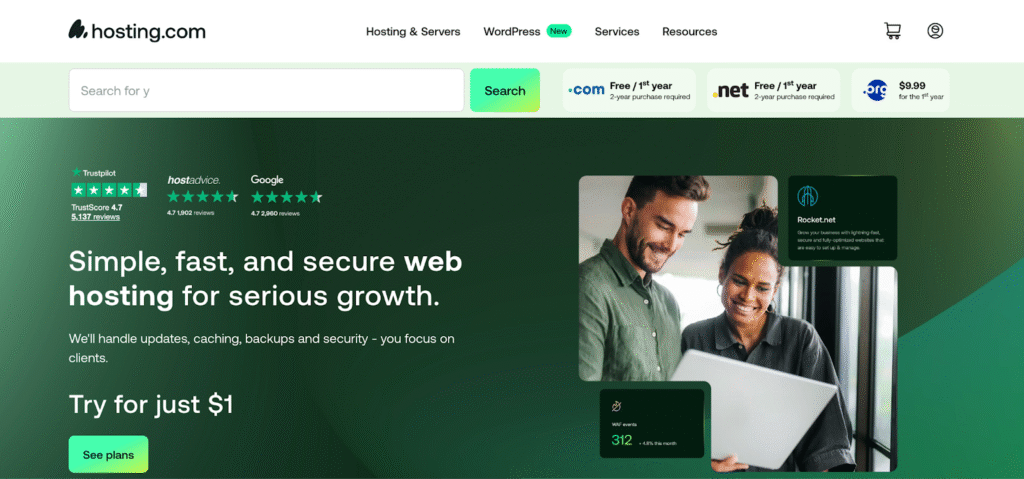
(Source: A2 Hosting)
Key Features
- Turbo performance: LiteSpeed servers combined with NVMe SSD storage, AMD EPYC CPUs, and modern protocols deliver fast page loads.
- Advanced caching stack: Multi-level caching (Turbo Cache, Memcached, OPcache) reduces server load and improves response times.
- Hosting tiers: Higher-tier shared plans support unlimited websites, storage, and bandwidth, while managed and unmanaged VPS options provide root access and scalability for more technical teams.
- WordPress & WooCommerce–optimized tooling: Managed WordPress plans include auto-updates, staging environments, WP-CLI, SSH access, and free site migrations.
- Security and guarantees: Free SSL, DDoS protection, malware scanning, brute-force defense, daily backups, and an anytime money-back guarantee.
- Developer-friendly management environment: Familiar cPanel control, optional AI site builder, 24/7 “Guru Crew” support, and global data centers support fast setup and hands-on optimization.
Pros & Cons
Pros of A2 Hosting:
A2 Hosting (hosting.com) offers developer-friendly features. Turbo plans deliver noticeable performance gains through LiteSpeed and NVMe storage, while unlimited resources on higher tiers suit growing projects.
Cons of A2 Hosting:
Unreliable customer service, marked by inconsistent response times and difficulty reaching support despite 24/7 chat and ticket availability.
Best For
A2 Hosting (hosting.com) is well-suited for startups that prioritize speed and developer tools on a budget.
- Liquid Web – Best Premium Hosting for Scaling Startups
Liquid Web delivers premium managed hosting solutions featuring powerful dedicated servers and VPS configurations. With advanced hardware and fully managed services, Liquid Web provides reliable hosting.
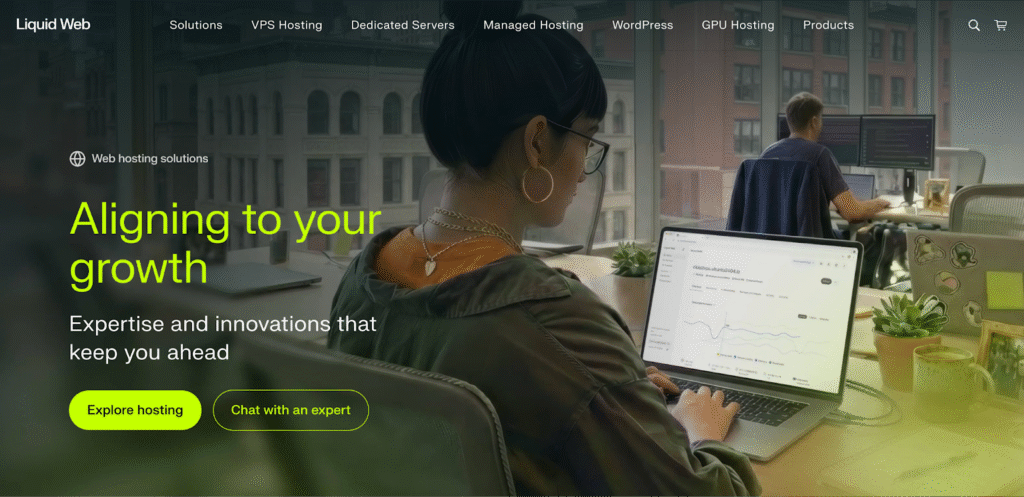
(Source: Liquid Web)
Key Features
- Enterprise-grade managed infrastructure: Fully managed VPS, cloud, and dedicated servers with NVMe SSD storage and high bandwidth are built to handle heavy workloads, large databases, and sustained high traffic.
- Uptime and reliability: Backed by industry-leading uptime SLAs (up to 99.999% with service credits), Liquid Web is designed for mission-critical sites where downtime directly impacts revenue.
- Cloud performance: Cloud VPS plans automatically scale resources during traffic spikes with no overage fees, making them well-suited for unpredictable demand from promotions, launches, or seasonal peaks.
- Security and compliance readiness: Cloudflare Enterprise CDN, DDoS protection, WAF, daily backups, and optional PCI/HIPAA compliance.
- Operational support: 24/7 expert support via phone, chat, and tickets; free migrations; API and WHMCS integrations; and global data centers reduce operational overhead for in-house teams and agencies.
Pros & Cons
Pros of Liquid Web:
Liquid Web stands out for solid reliability and enterprise-level performance. The 99.999% uptime SLA and compliance options justify its reputation as a premium, business-class provider.
Cons of Liquid Web:
Liquid Web excels in dedicated/VPS but costs significantly. The platform can be complex for beginners. Email is also an added cost rather than included.
Best For
Liquid Web is not ideal for most startups due to its enterprise focus on VPS/dedicated/cloud hosting. Still, Liquid Web works well for growth-stage startups that have outgrown shared hosting and need autoscaling, strict uptime guarantees, and enterprise-level reliability.
In Summary
That’s the eight best hosting service options you can consider. When you choose hosting for your startup, keep a few key things in mind. First, figure out what you need right now, such as storage, bandwidth, email, and file transfers. Then, think ahead: will your content, traffic, or team grow in the next year or two? Reliability is important, so check for uptime guarantees and clear service agreements. The right provider will offer your startup a stable, secure, and flexible base to build on.
Frequently Asked Questions
Have another question?
Shared hosting is cheap and easy to manage. It works well for websites with low to moderate traffic, like company pages, blogs, or simple online stores.
Managed WordPress hosting is perfect for businesses that run WordPress sites. It provides built-in updates, security, and performance improvements with little technical effort.
VPS hosting gives more power and dedicated resources, but it costs more.
Cloud hosting is best for businesses with changing or unpredictable traffic. It enables scalability as needed and delivers reliable performance during traffic spikes.
Shared hosting is a good starting point for early-stage startups. It’s inexpensive and easy to use, making it a great option when traffic is low and budgets are limited. However, sharing resources can lead to slow performance, restrict customization, and become unsuitable as traffic and complexity grow.
Upgrade your hosting when performance issues begin to affect growth or user experience. Some of the key signs include slow page load times, frequent downtime, or consistently hitting bandwidth, storage, or CPU limits.
It can be as low as $3 to $10 per month with shared hosting or introductory plans, suitable for early-stage startups with low traffic and simple websites. Realistically, a $50–$150/year budget, including a domain, is sufficient for early validation.
Managed WordPress hosting is a suitable choice if they plan to build on WordPress. It combines affordability with WordPress-specific optimizations like automatic updates, built-in security, and fast setup (ideal for non-technical founders). Priced around $10–$30 per month, it supports blogs, portfolios, and simple e-commerce while offering SEO tools and plugin flexibility.